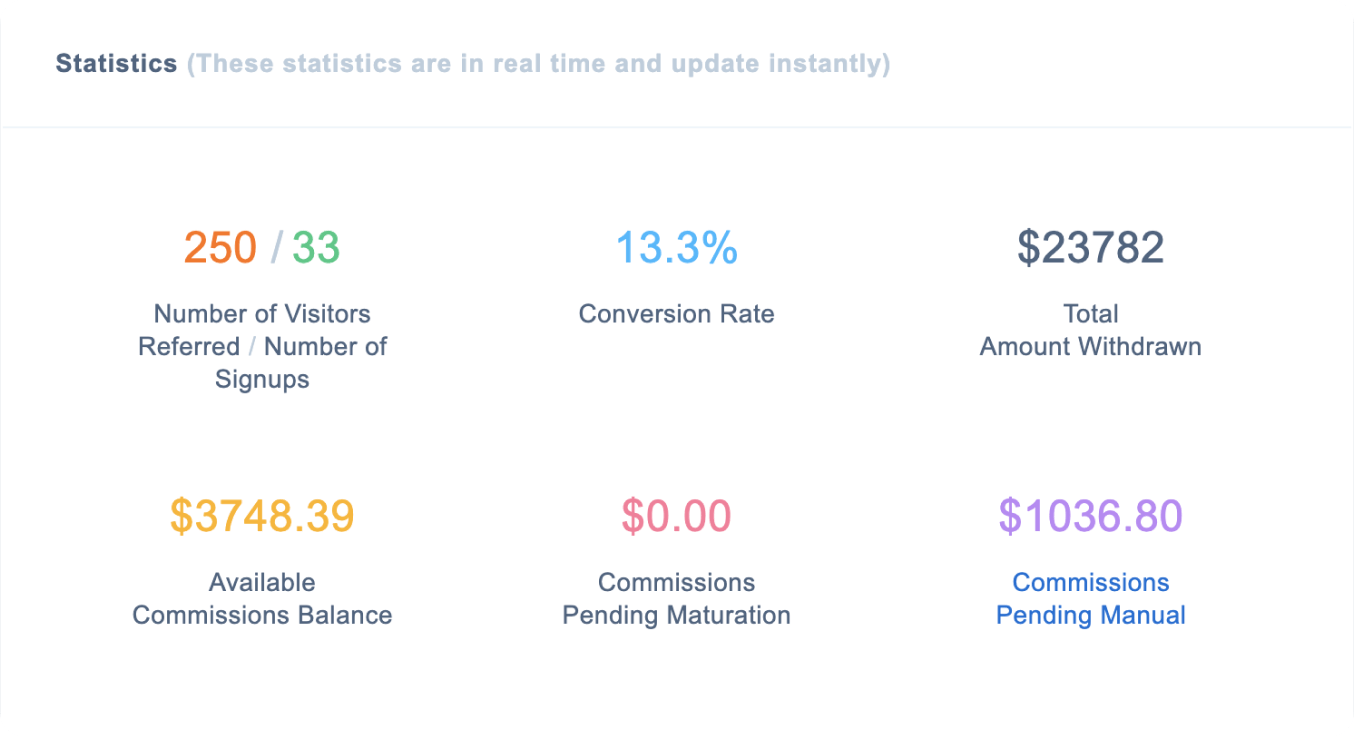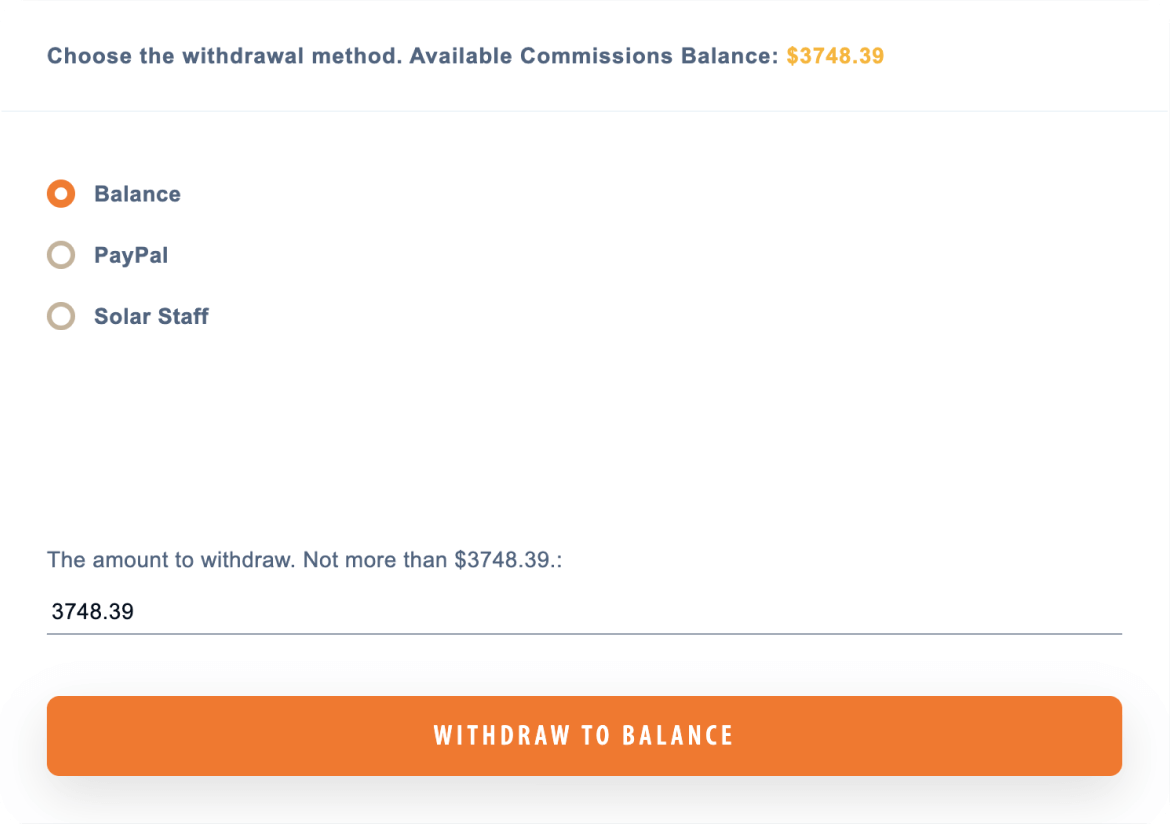
- Huge commission earnings.
- The commission is only paid for the first purchase of the hosting service or game servers of each referred client.
- The more expensive service your referred client purchases, the higher your earnings.
Beneficial for those who don't personally know the clients referred and don't influence their decision to renew services (e.g., those who share links and coupons in blogs, social media, etc.).
You have to choose the withdrawal currency when registering your account. You cannot change it later, but you can create multiple accounts.
| Product | Plan | You earn |
|---|
| Shared hosting | Fast site | $ 14.95 |
| 100 Fast Sites | $ 18.74 | |
| Many Fast Sites | $ 49.36 | |
| VPS hosting | Fast Linux VPS 2048 | $ 14.95 |
| Fast Linux VPS 4096 | $ 18.74 | |
| Fast Linux VPS 8192 | $ 37.49 |
The more clients you refer are active, the higher your percentage commission.
What is an active client?
This is a referred client who has at least one hosting service, the payment term of which has not expired at the time when the affiliate percentage is calculated.
The calculation of the commission percentage occurs automatically every time any of the referred clients makes a payment for the service.
Simply put, your commission percentage depends on the number of referred clients who pay for hosting.
1-5 active customers
6-25 active customers
26+ active customers